Black Friday 2026 falls on Friday 27 November, a good moment to make a gate, garage or front door smart, as long as the product fits the entrance you have. For gates and garages the check takes two minutes: all you need is the model of the remote you use today. For the front door you need the cylinder measurements.
This guide matches each need to the right product: SOLO to open from your phone, WHY to keep a physical remote, DORY for the door, PAD for PIN codes and LOCO for a bike or storage room. If you only care about the gate, go straight to the Black Friday smart gate opener guide. While the offer is live, the box below shows the products on promotion, prices and end date, updated automatically from the shop. Delivery is available only to the countries listed at checkout; the UK is not currently served.
1Control Black Friday deals until 27/11
Prices are updated automatically from the shop. For gates and garages check the remote, for the front door the cylinder measurements: it only takes a few minutes.
- 1Control SOLO
139,00€99,00€VAT includedSee the deal → - 1Control SOLO + LINK
228,00€159,00€VAT includedSee the deal → - 1Control SOLO AUTO
159,00€129,00€VAT includedSee the deal → - 1Control WHY ×2
58,00€49,00€VAT includedSee the deal → - 1Control PAD
169,00€129,00€VAT includedSee the deal → - 1Control DORY MINI
299,00€from 229,00€VAT includedSee the deal → - 1Control LOCO
99,00€79,00€VAT includedSee the deal →
Two minutes to find the product you need
Start from what you want to open and how you want to open it. The table matches each need to a 1Control product and to the check to run before you buy: for gates and garages you need the model of your remote, for the front door the cylinder measurements.
| You want to… | Product | Before you buy |
|---|---|---|
| Open a gate or garage from your phone when you are nearby | SOLO | Make and model of your remote in the compatibility checker |
| Open from any distance or with Alexa and Google Assistant | SOLO + LINK | Compatible remote; 2.4 GHz Wi-Fi or an Ethernet cable where LINK will go |
| Open from the car screen with CarPlay or Android Auto | SOLO AUTO | Remote compatible with SOLO AUTO |
| Use a remote the checker does not accept | SOLO + KIT | “KIT needed” result in the checker |
| Carry a physical remote instead of the original ones | WHY | Remote model |
| Open a gate or garage by typing a PIN | PAD | Compatible remote |
| Open the front door from your phone | DORY | Euro cylinder, measurements and cylinder guard in the DORY test |
| Lock a bike, scooter or locker | LOCO | That the shackle fits where it will be hooked |
When the offer is live, the box at the top of the page shows which of these products are on promotion, with the shop price. If you only care about the gate or garage, the Black Friday guide to gate and garage openers goes through each setup in detail.
Gate and garage: SOLO, SOLO + LINK, SOLO AUTO or SOLO + KIT
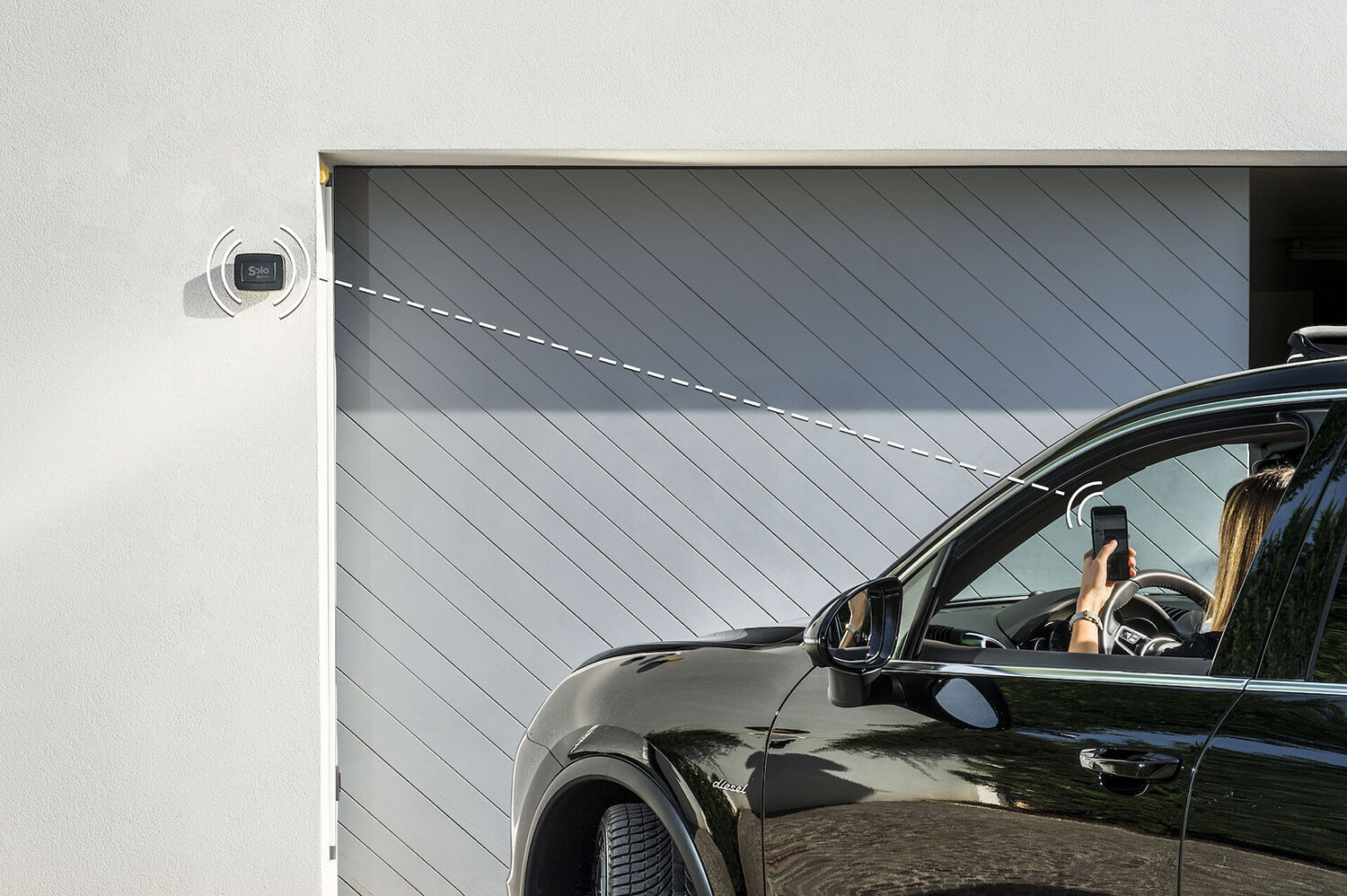
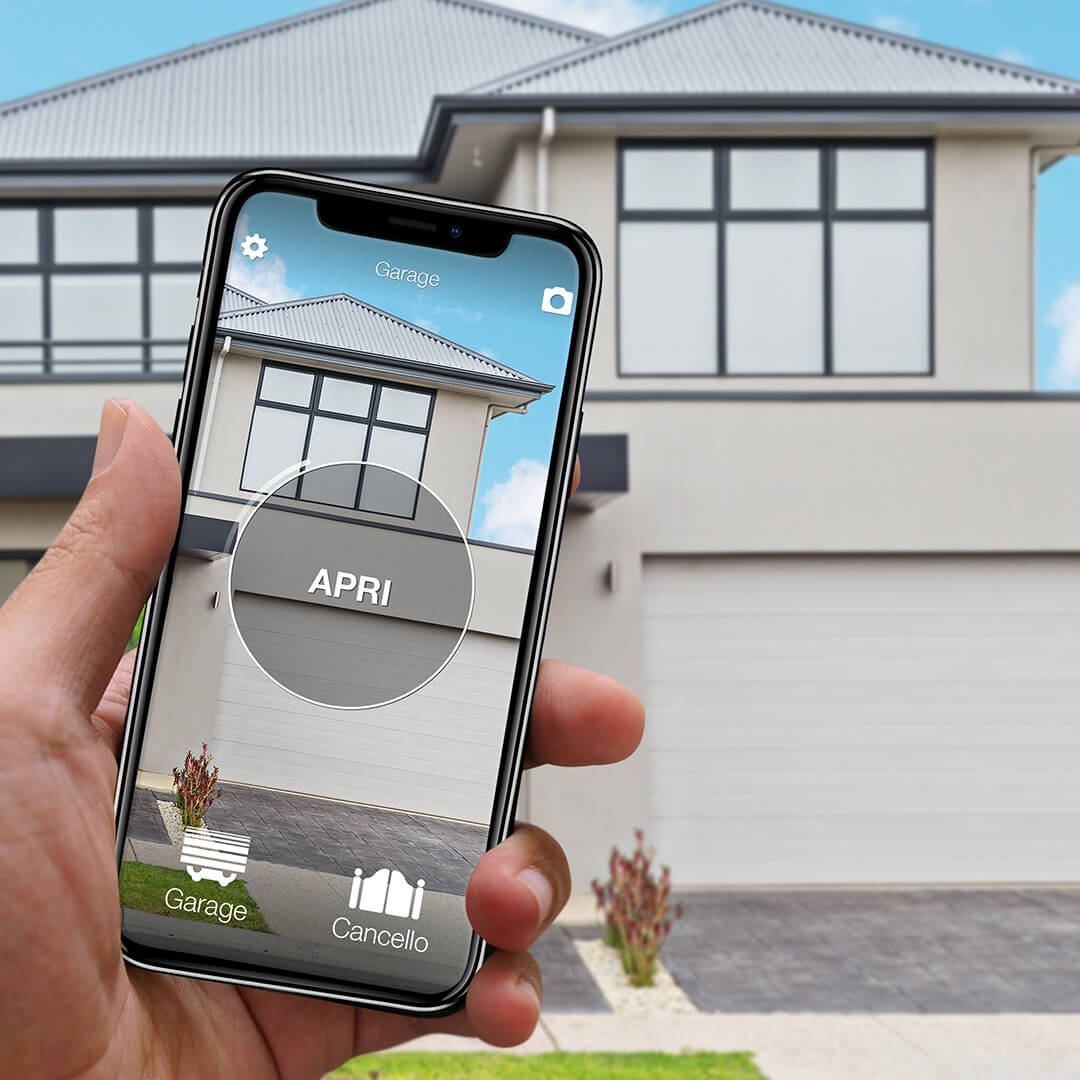
SOLO copies the signal of the remote you use today and opens from the 1Control app, also from an Apple Watch or a Wear OS smartwatch. It is not wired to the control board or to the mains: it runs on two C batteries, which last more than 2 years at an average of 10 openings a day, and mounts next to the gate. The standard version controls up to 4 automations, even of different brands, and can be used by 10 people. It talks to your phone over Bluetooth, so you do not need internet to open, and the original remotes keep working.
SOLO + LINK is for opening from any distance: LINK connects to your home Wi-Fi on 2.4 GHz or with an Ethernet cable and reaches SOLO over Bluetooth within about 25 metres. With LINK you open from far away, with Alexa or Google Assistant and from the car screen. If you always open when you are in front of the gate, you do not need LINK.
SOLO AUTO stays in the car, on the windscreen or in the glovebox, and opens from the car screen with Apple CarPlay and Android Auto without LINK. It controls up to 6 automations and has no sharing: each user connects with the device PIN. It cannot be paired with LINK. Read more in open your gate with CarPlay.
SOLO + KIT is the answer when the compatibility checker says the KIT is needed: the KIT comes with its own compatible remote and is wired to the terminals of the control board, on the START input. The remotes you use today keep working.
Black Friday: 1Control SOLO on offer until 27/11
Take 2 minutes to check that your remote is compatible, then buy SOLO at the Black Friday price.
139,00€ 99,00€ VAT included
- 1,500+ reviews on Amazon, Facebook and Trustpilot
- Secure payments
- 2-year warranty
A physical remote: WHY
Not everyone wants to use an app. If you prefer a button, drive a shared car or have a drawer full of remotes, WHY is the 1Control universal remote: it copies compatible remotes and replaces them, with no subscription. Here too you start from the model: two remotes on the same frequency can use different coding, and the same shape does not mean compatibility.
Read the make and model on the casing or in the battery compartment and check them before you buy. The universal gate remote guide explains the difference between fixed code and rolling code. If your current remote has stopped working, check the battery and the receiver first with gate remote not working.
The front door: DORY, after the door test
DORY is the smart lock that takes the place of the Euro cylinder, with no changes to the door. It opens from your phone or smartwatch and with the mechanical key, which works even when the batteries are flat: you will not be locked out. The two CR2 batteries last about a year. DORY MINI has 2 users and 3 keys, DORY 10 users and 5 keys; with LINK the door also opens from a distance and with voice assistants.
Before you buy, take the DORY compatibility test: it asks for the cylinder type, the measurements and whether the door has a cylinder guard. On security doors with a guard, DORY is fitted only with 1Control DORY Defender, which replaces the existing guard: other guards are not compatible. The guide to fitting a smart lock without drilling explains what to look at on the door.
A PIN for the gate and garage: PAD
PAD is a wireless keypad for gates, garage doors, up-and-over doors and barriers. Like SOLO, it copies the existing remote, so it is not wired to the control board, and it runs on two AAA batteries that last more than 2 years. Whoever comes in types a 6-digit PIN: in the app you create the codes, limit them to days and time slots and revoke them. It includes 4 PINs and controls up to 2 automations, expandable from the app.
PAD suits family members, guests or staff who should not have to install an app. It does not open the front door with DORY, and it should not be confused with the 8-digit PIN of 1Control devices, which is only used to set them up.
Bike, scooter and locker: LOCO
LOCO is the padlock that opens from your phone over Bluetooth, with no internet. It stands up to rain, recharges with a USB-C cable (more than 500 openings per charge) and can be used by 10 people. It has no fingerprint reader: it opens from the app. No compatibility check is needed, but make sure the shackle fits where you will hook it. More details in the smart padlock guide.
Before checkout: three checks
- Compatibility. For gates and garages, look up your remote in the checker; for the door, take the DORY test. If the checker points to the KIT, choose SOLO + KIT.
- Entrances and people. One SOLO controls up to 4 automations and 10 users, as long as the entrances are within 30-40 metres of it; further apart, you need two SOLOs.
- Distance. If you only open when you are on site, SOLO is enough; to open from far away or by voice, add LINK; to open from the car, choose SOLO AUTO.
When the offer is live, the prices and crossed-out prices in the box are the shop’s own, the same as on the product pages, and they update automatically. Once you have done these three checks, you can buy the right setup straight away.
Frequently asked questions
Does the offer also apply on Cyber Monday?
When the offer is live, products, prices and end date are shown in the box at the top of the page, read from the 1Control shop: if Cyber Monday falls within the period, the offer applies on that day too. There is no separate Cyber Monday page.
SOLO or WHY: which one should I buy?
SOLO opens a compatible entrance from your phone; WHY is a physical universal remote for supported models. The choice depends on how you want to open, not on the discount.
Do I need Wi-Fi near the gate?
No. SOLO talks to your phone over Bluetooth and opens without internet. 2.4 GHz Wi-Fi, or an Ethernet cable, is needed only for LINK, to open from far away and with voice assistants.
The checker says the KIT is needed: what should I buy?
SOLO + KIT. The KIT has its own compatible remote and is wired to the control board; the remotes you use today keep working.
Can I give DORY as a gift without knowing the door?
Better not: first check the Euro cylinder, the measurements and whether there is a cylinder guard with the DORY test.
Does SOLO AUTO need LINK?
No. SOLO AUTO stays in the car and works with CarPlay and Android Auto without LINK; for the same reason, it cannot be paired with LINK.
The bottom line
Black Friday pays off when you buy the setup that works with your entrance straight away. Choose the entrance, decide between phone and physical remote, run the compatibility check or measure the cylinder: then you can use the offer without second thoughts.
Looking for a gift instead? The smart home gift ideas are sorted by recipient.